
Create Stunning Text-Behind-Image Art
Add text behind images instantly. Free & AI-Powered.
Drag and drop or click to select
Maximum file size: 10MB
Or try with a sample image:
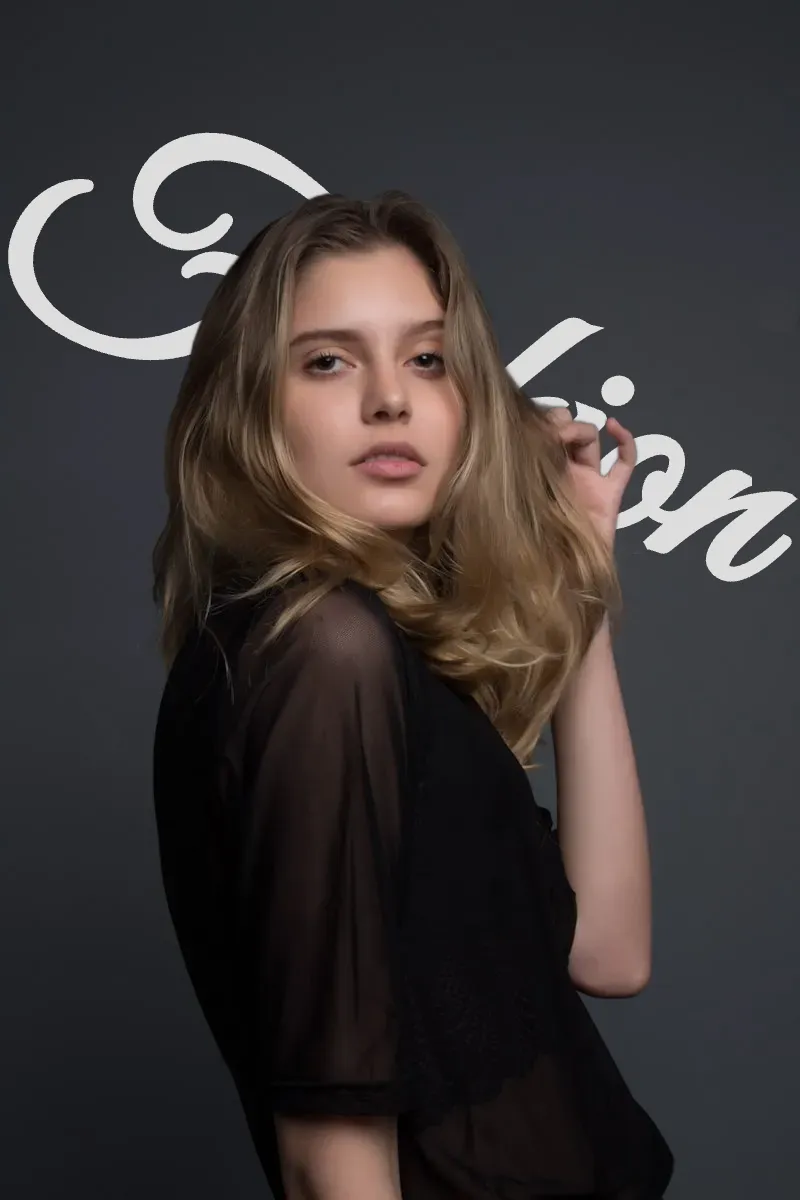
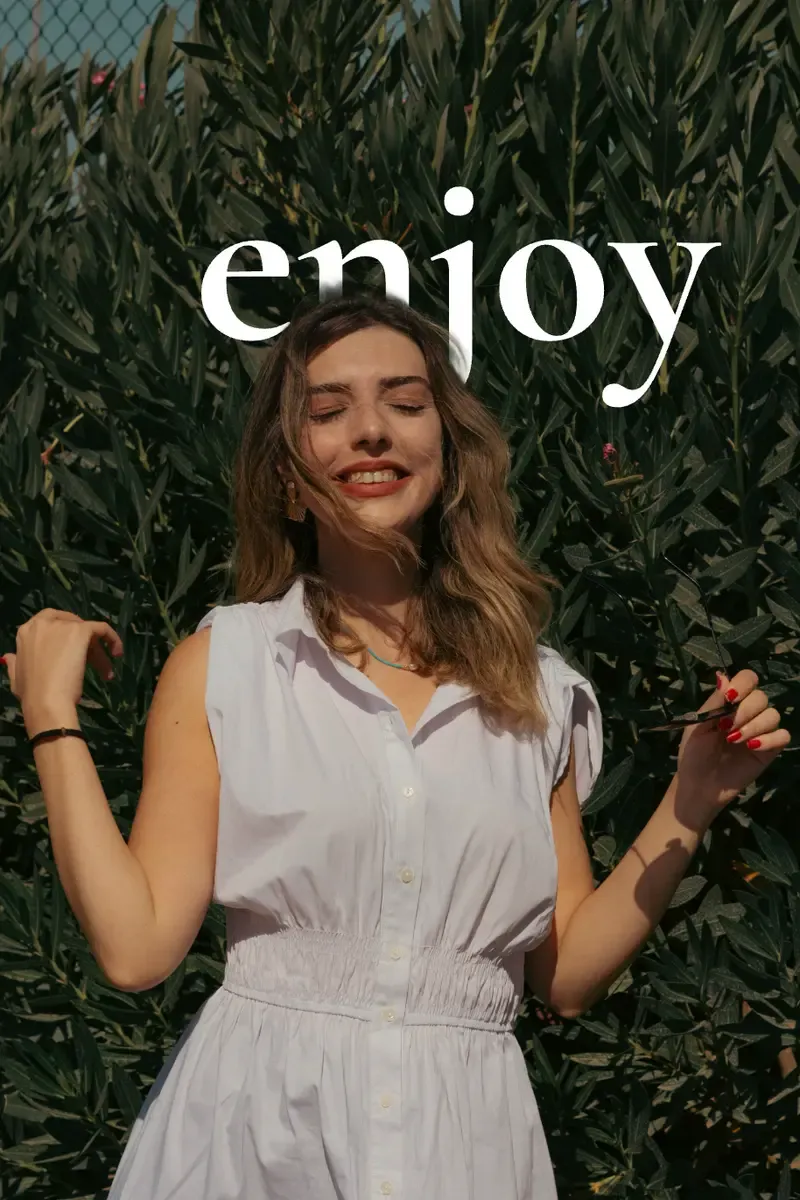
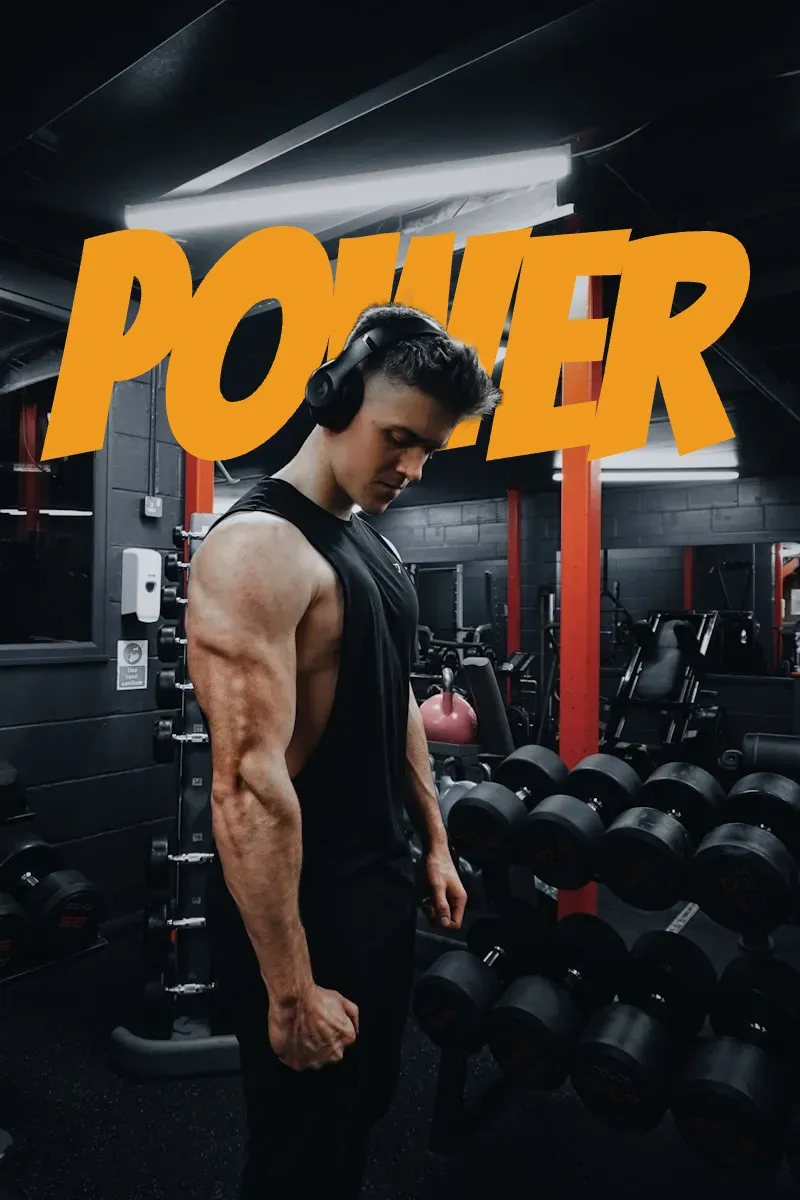
Make your photos look like cool posters

Powerful Text Behind Image Editor Features
Everything you need to create professional designs with advanced AI technology and zero cost.
AI-Powered Object Detection
Advanced AI automatically detects objects and people in your image, enabling seamless depth effects without manual editing.
Custom Fonts & Text Styling
Choose from multiple font families, adjust size, color, opacity, rotation, and add stroke effects to create unique designs.
Real-Time Preview & Editing
See your design instantly as you type and adjust. Drag to reposition, resize, and fine-tune every detail in real-time.
High-Resolution Export
Download your creations in crystal-clear PNG or JPG format, perfect for social media, posters, and print materials.
Free to Use, No Watermark
The editor is currently free to use. No signup is required, and downloads do not include a watermark.
Preset Font Collections
Access carefully curated font presets optimized for depth effects. One-click apply professional typography styles that work perfectly with layered designs.
How to Put Text Behind Image or Photo in 3 Easy Steps
Create professional depth effects with our free AI-powered text behind image editor.


Popular Text-Behind-Image Guides
Learn practical workflows for Instagram, YouTube thumbnails, CapCut, Photoshop, and other common design needs.

How to Put Text Behind Your Photo for Instagram Stories & Posts
Learn how to create the text-behind-image effect for Instagram Stories and posts. Three methods compared — including a free AI tool that does it in seconds. No signup needed.

How to Put Text Behind Image in CapCut (+ Faster Free Alternative)
Learn how to put text behind an image in CapCut step by step, plus a faster free AI alternative that does it in 3 clicks. No signup needed.

YouTube Thumbnail Text Placement: Put Text Behind the Subject
Learn how to place text behind the subject in a YouTube thumbnail, keep it readable on mobile, and create the effect with a free AI tool.
Frequently Asked Questions
Everything you need to know about creating stunning depth effects with our free online tool.
What is a text-behind-image effect?
Is this tool completely free to use?
Do I need to sign up or create an account?
What image formats are supported?
What is the maximum image size I can upload?
Can I download images without watermarks?
Does this tool work on mobile devices?
Can I use the created images commercially?
Is my uploaded image saved on your servers?
How is this different from Photoshop or other design software?
Ready to Create Stunning Designs?
Start creating professional depth effects with the free editor — no signup required.